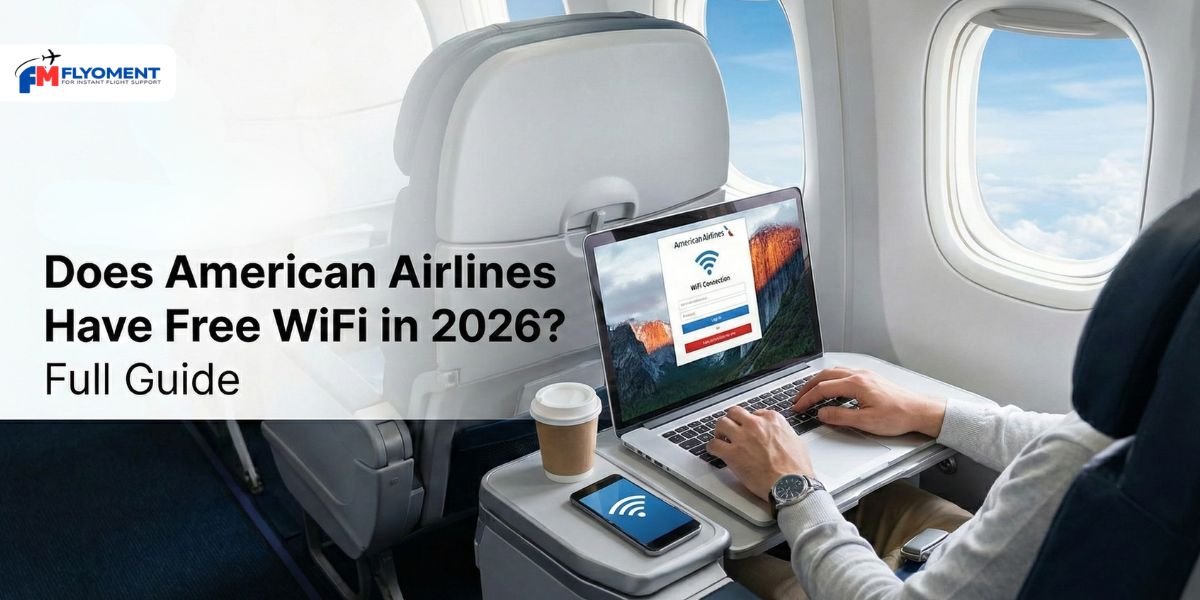
Honestly, catching a flight with an American lately feels a lot more like real life and a lot less like being stuck in a metal tube from the 90s. They finally pulled the trigger on free high-speed Wi-Fi for AAdvantage members this year, and it’s a total game-changer. It used to be such a headache fumbling for a credit card just to send a few Slack messages or pay for a “streaming” pass that barely worked. Now, as long as you’re logged into your loyalty account, you can actually watch Netflix or scroll through social media without that annoying buffering wheel. It’s still a bit hit-or-miss on those older international planes, but for most domestic shops, it’s finally fast, free, and actually useful.
Does American Airlines Offer Internet And Wi-Fi Access On Their Flights?
Yes, they definitely do, and the experience has changed quite a bit recently. As of early 2026, American has finally stepped up to compete with the other big carriers by rolling out free high-speed Wi-Fi across most of its fleet. It used to be a major pain to pay for spotty service, but now, if you’re an AAdvantage member, you can generally get online for free on the vast majority of domestic and regional flights. This isn’t just for checking emails either; the new satellite-based systems are actually fast enough to stream your favorite shows or handle a heavy workload without the endless buffering we all used to dread.
Here’s The Quick Breakdown Of How It Works:
- It’s Free (With a Catch): You need to be an AAdvantage member to unlock the free high-speed Wi-Fi sponsored by AT&T. If you aren’t a member, you can sign up for free while you’re in the air.
- Most Planes are Covered: About 90% of the fleet (including almost all domestic Boeing 737s, Airbus A321s, and regional jets) now offers this free service.
- International Exceptions: If you’re on an older widebody plane (like a Boeing 777 or some 787s) flying overseas, you might still be on the Panasonic system, which usually requires a paid pass (around $20–$35).
Read more: What Is American Airlines Pet Policy? Fees, Cabin & Cargo Rules
Does American Airlines Offer Free In-Flight Wi-Fi?
American Airlines officially moved to a free Wi-Fi model in early 2026. If you’re an AAdvantage member, you can now get high-speed internet for free on almost every domestic flight. It’s a huge relief not having to pay those annoying $20 fees anymore. Just keep in mind that on some older international planes, you might still run into the paid Panasonic system while they finish upgrading the entire fleet.
How To Connect Wifi In American Airlines Flight?
Getting connected on an American Airlines flight is much easier now that they’ve rolled out their free high-speed service for 2026. Once you’re in your seat, the first move is to put your phone or laptop into Airplane Mode this is key so your device stops hunting for cell towers. Then, just toggle your Wi-Fi back on and find the network named “AA-Inflight.” Most of the time, your browser will automatically pop open the aainflight.com portal, but if it doesn’t, just type that address in manually. From there, you’ll see a big “Free Wi-Fi” button. Since the free access is tied to their loyalty program, you’ll just log in with your AAdvantage details and you’re good to go for the rest of the trip.
Quick Connection Steps:
- Toggle Settings: Turn on Airplane Mode, then re-enable Wi-Fi.
- Pick the Network: Select “AA-Inflight” from your device’s Wi-Fi list.
- Visit the Portal: Open your browser and go to aainflight.com if it doesn’t load automatically.
- Log In for Free: Use your AAdvantage username and password to skip the payment screen.
- Entertainment Alternative: If you don’t need full internet access, you can also select “View Free Entertainment” to stream movies directly to your device without logging in.
Read more: What Is American Airlines Infant Policy For Flying With A Baby?
In-Flight Wifi Service Providers On American Airlines Flights
American Airlines actually uses three different companies to keep you connected, and which one you get usually depends on the size of your plane and where you’re headed. If you’re on a standard domestic flight, you’re likely using Viasat, which is the heavy hitter they use for high-speed streaming. For those smaller regional “American Eagle” hops, they’ve mostly switched over to Intelsat (which used to be Gogo) to bring that same satellite speed to shorter routes. The tricky part is the long-haul international flights; many of those still use Panasonic, which is currently the only one that doesn’t offer the free AT&T-sponsored access for AAdvantage members. It’s a bit of a mixed bag, but they’re slowly moving the whole fleet toward Viasat to keep things consistent.
How Much Does Paid Wi-Fi Cost On American Airlines?
The days of being forced to pay for Wi-Fi in America are mostly behind us now that the free AT&T-sponsored rollout is live for 2026. However, if you aren’t an AAdvantage member or you happen to be on one of the older international planes that hasn’t been upgraded yet, you’re still going to see a price tag. Typically, a single flight pass starts around $10, but for those long hauls across the ocean, it can jump up to $35. It definitely feels a bit steep when you’re used to free service on domestic hops, but for frequent flyers, the monthly subscription is usually the way to go if you want to avoid the per-flight “sticker shock.”
The Price Breakdown:
- Single Flight: Generally $10 to $35, depending on the length of your trip.
- Monthly Subscription: $49.95 for one device or $59.95 for two (best for domestic regulars).
- Annual Subscription: Roughly $599 for the year if you’re practically living on a plane.
- AAdvantage Miles: You can technically pay with miles, but it’s usually not the best value for your hard-earned rewards.
- The “Free” Loophole: Just sign up for AAdvantage (it’s free) and log in to the portal to skip the payment on 90% of flights.
Compatible Devices For AA In-Flight Wifi
Basically, if it has a Wi-Fi toggle and a web browser, you’re good to go. Most of us are just using our iPhones or Androids to stay connected, but tablets and laptops work just as well for getting some actual work done. Since American moved to its free high-speed model for AAdvantage members in 2026, the connection is strong enough that you don’t really have to worry about your device type whether it’s a MacBook, a Chromebook, or even a Kindle, as long as you can hit the aainflight.com portal, you’re in. Just remember that larger items like laptops have to be stowed during takeoff and landing, so keep your phone handy if you want to be online the second you hit 10,000 feet.
What Is American Airlines Wifi Customer Support Details?
If something goes wrong with your connection at 30,000 feet, you aren’t totally on your own. Most issues can be handled right through the “Contact Us” or “Help” link on the aainflight.com portal while you’re still in the air. If you’ve already landed and need a refund for a pass that didn’t work, you’ll need to reach out to the specific provider that powered your flight usually Viasat or Intelsat. American also has a dedicated support line and email for those with Wi-Fi subscriptions. It’s definitely easier to screenshot any error messages while you’re flying so you have proof for the support team later, especially since getting a refund from a third-party satellite company can sometimes be a bit of a process.
Read more: How to Change Name on American Airlines Ticket
Conclusion
Ultimately, the big takeaway for 2026 is that American Airlines has finally made high-speed Wi-Fi a standard part of the flying experience rather than a pricey luxury. By partnering with AT&T to offer free access to AAdvantage members, they’ve removed that annoying friction of having to pay just to stay in the loop. While the rollout is still technically wrapping up meaning you might occasionally find yourself on an older international plane that still asks for a credit card the vast majority of the fleet is now set up for a fast, reliable connection. It’s a major shift that brings the airline in line with what modern travelers expect: the ability to work, stream, and chat from gate to gate without the “sticker shock” we all used to dread.
FAQ
Q.1 Do Americans Have Free WiFi?
Ans: Luckily, the US is home to countless cafes, restaurants, and public areas that offer free Wi-Fi. Some of the most popular places to find Wi-Fi include coffee shops like Starbucks, public libraries, and even some public parks.
Q.2 How Much Is Wi-Fi On An American Airlines Flight?
Ans: American Airlines Wi-Fi is now largely free for AAdvantage members on most flights with high-speed connectivity (powered by AT&T/Viasat), a rollout that began in January 2026.
Q.3 How To Buy An American Airlines Wi-Fi Package?
Ans: Wi-Fi may be purchased prior to your flight by visiting aa.com/wifi or you may purchase once on board. International Wi-Fi is available on all Boeing 777-300ER flights.
Q.4 Do I Need The American Airlines App For Wi-Fi?
Ans: All you need is the American Airlines app on your phone or tablet. All entertainment is free – watch it everywhere on Wi-Fi equipped American Airlines flights.